Scope: This article will show you how to log in to the Volen Center remote server.
Process: Logging in to the Volen Center remote server is useful when working from home. This SOP will help the end-user connect to their Volen Center roaming profile terminal server without a terminal.
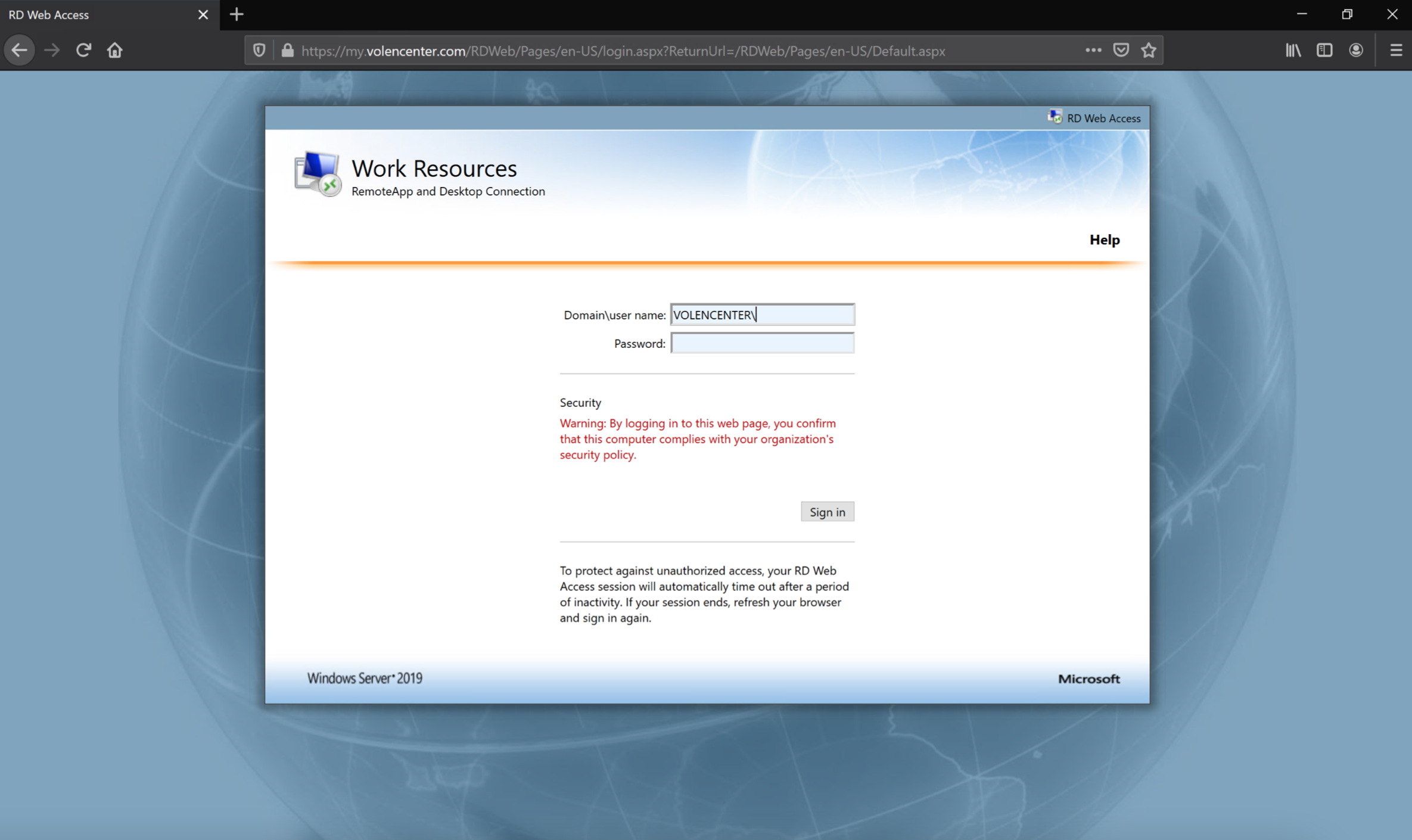
- Go to https://my.volencenter.com
- Domain\username: VOLENCENTER\(your username)
- Password: (your password)
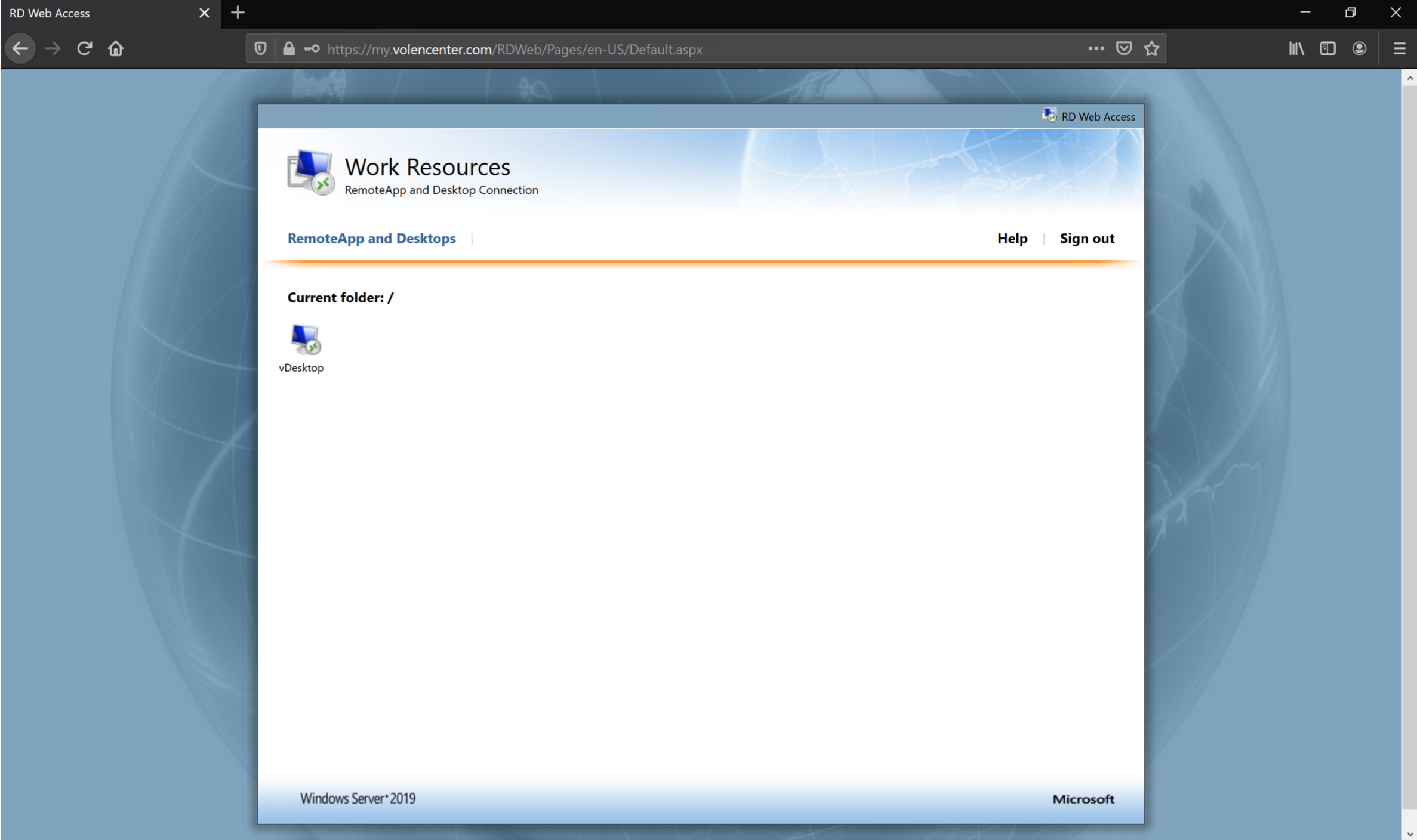
- Select vDesktop
- Depending on your web browser, select Open with or Save File. If you saved the file, locate the file in your Downloads folder and open the file.
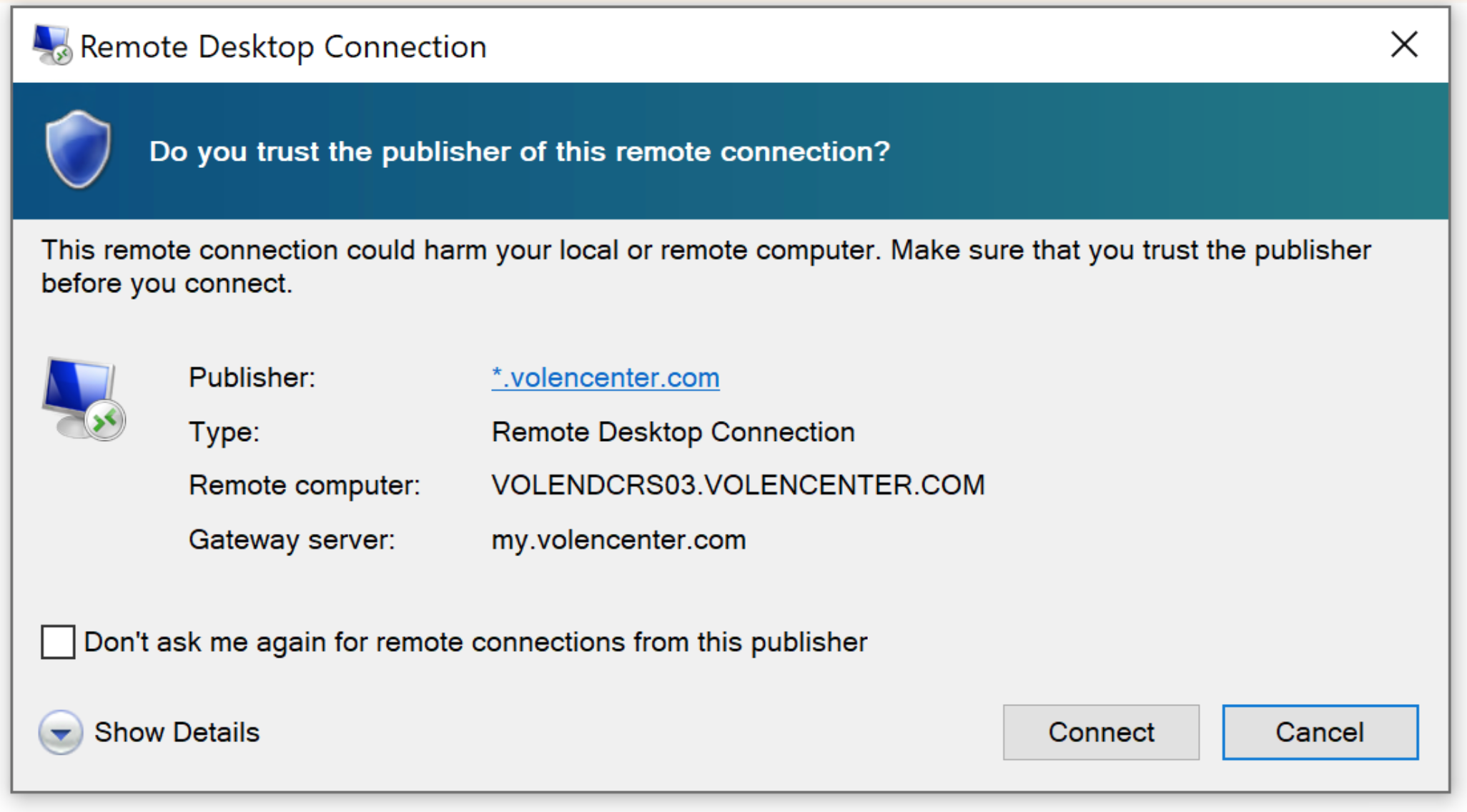
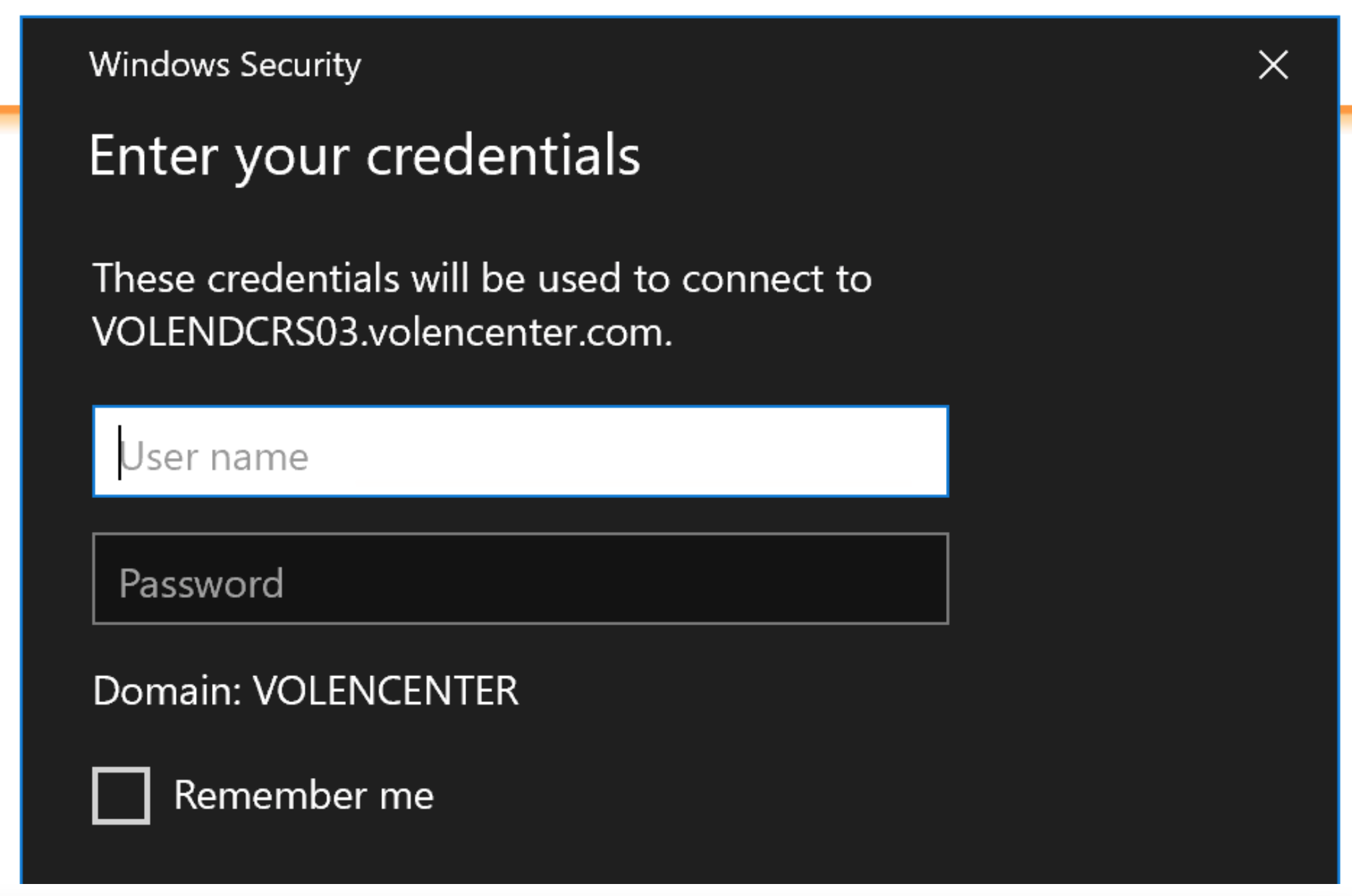
- Select Connect and enter your credentials.